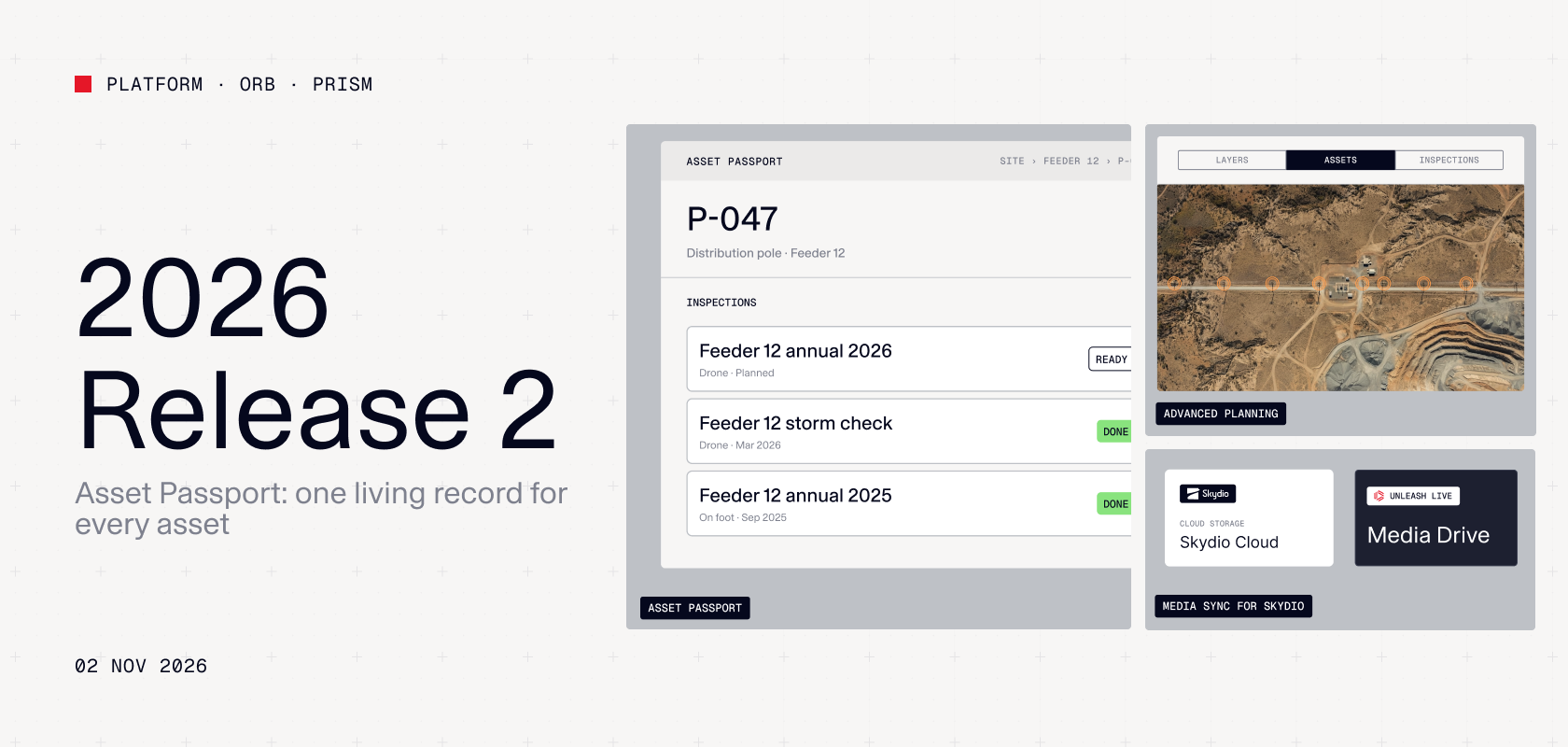
2026 Release 2 brings every asset into one living record, connects that record to inspection planning, and makes it easier to move media and data between Unleash Live and your other systems.
- Platform
- Orb
- Prism
Asset Passport
Every asset now has one living record, built from every inspection. Open an asset and see what it is, where it is, what has been captured on it, what the AI detected, and which inspections included it, grouped by site and keyed by your own Asset ID.
Import the register you already maintain as CSV or XLSX. Columns are matched automatically, a preview shows what will be created or skipped before anything is written, and existing asset IDs are never overwritten. Rename Asset and Site to the terms your teams already use, and add your own attributes.
Media is linked by a person, not by the system. Files captured within 20 meters of an asset are preselected to save time, but someone still confirms them, and every link and unlink is recorded in the asset's history.
Asset Passport is a view over what Unleash Live already holds, not a system of record. Your IDs stay primary and nothing moves.
Available across Orb and Prism from 2 November. Existing customers can enable it through their customer success manager. New organizations have it on by default.
Learn more
Advanced Planning
Shipping alongside Asset Passport, Advanced Planning connects asset viewing with inspection planning.
Select assets, group them into an inspection, and define how each task is delivered in the field and how the data is exactly captured. Atlas separates layers, assets and inspections, and existing Atlas layers can be converted into assets. Inspections created this way appear on each asset's own record, so planning and history are the same thread rather than two systems.
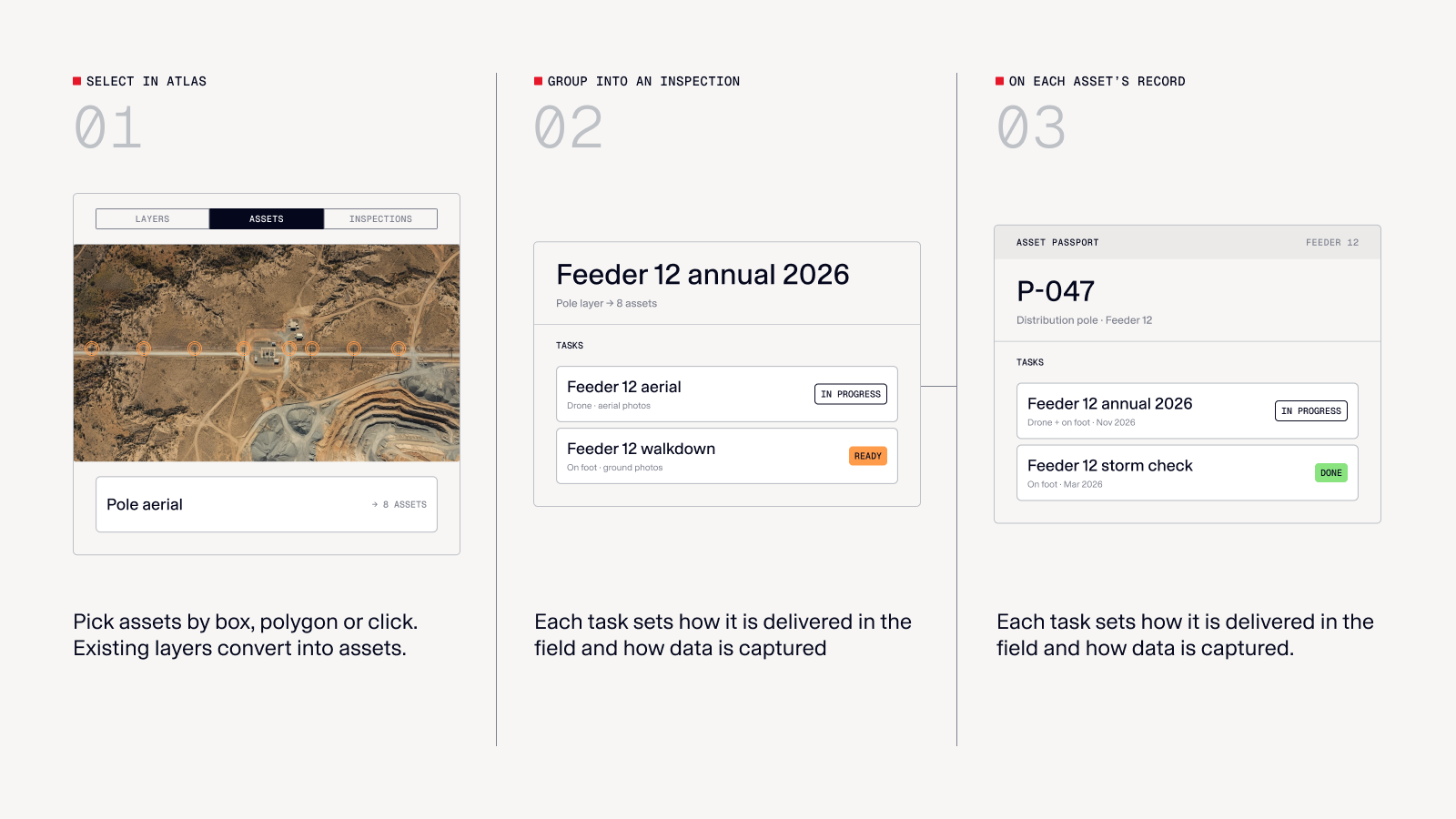
Jobs for your field team are now bundled into Inspections throughout the account.
Media Sync for Skydio
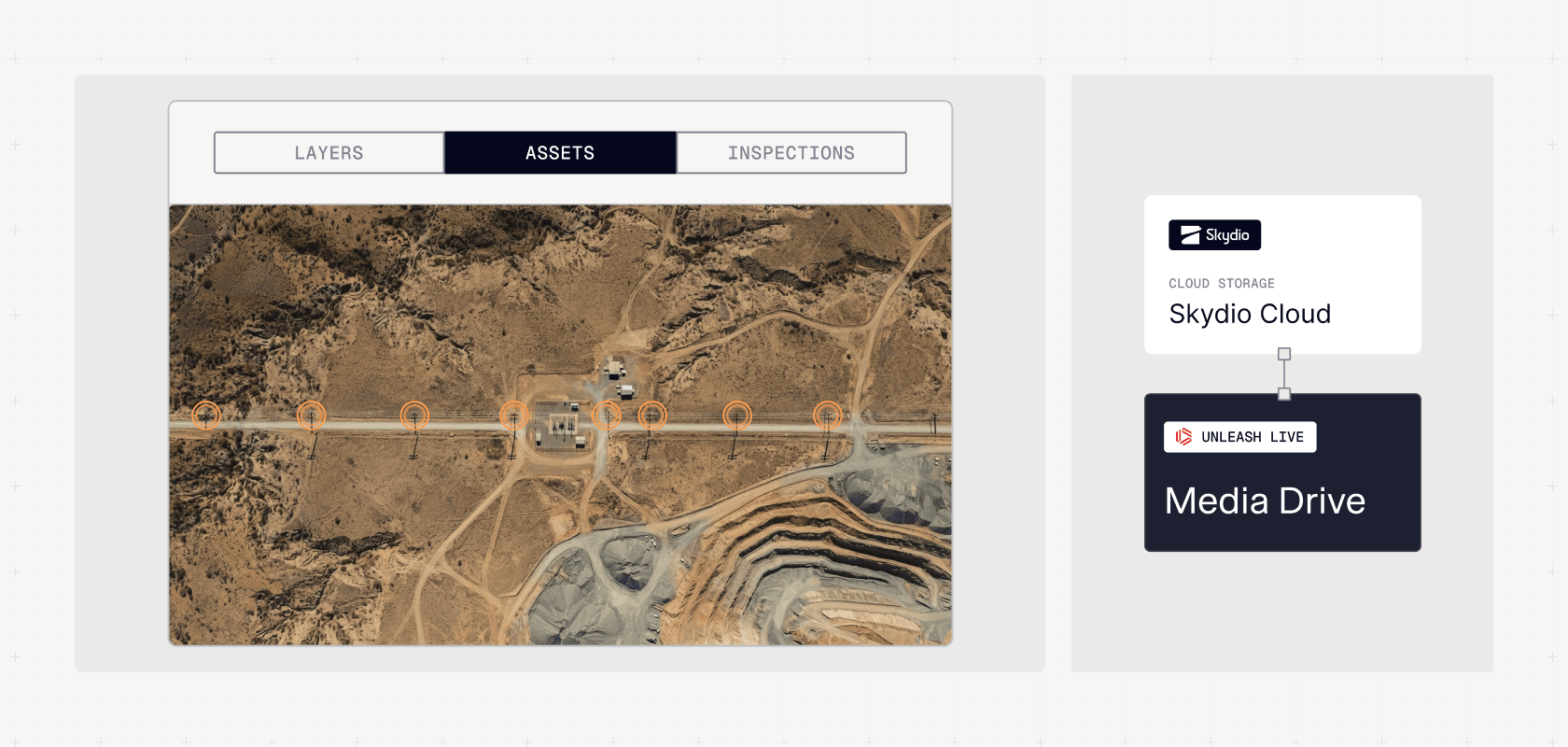
Media captured on Skydio aircraft now moves from Skydio Cloud into Unleash Live Media Drive on its own. No SD cards, no manual transfers, no waiting for someone to get back to a desk before the imagery is available to review.
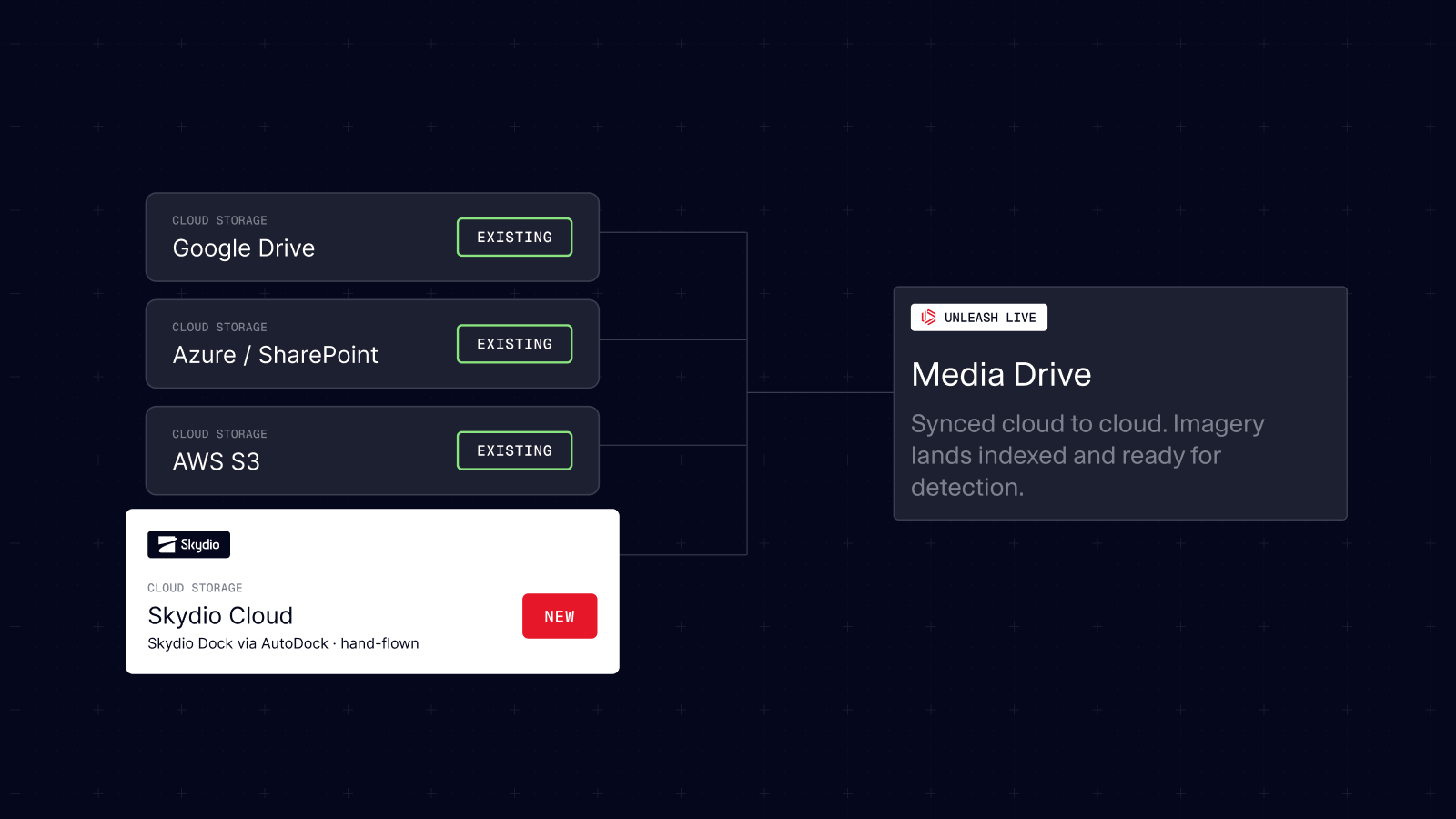
The connection is cloud to cloud. Imagery lands indexed and ready for detection, so the gap between capture and review closes to the length of the sync rather than the length of the drive home.
We are expanding media sync alongside the existing Google Drive, Azure and SharePoint, and AWS S3 options.
Learn more
Snowflake integration
Prism readings now feed directly into Snowflake, where many operators already centralize data from ERP, historian, and SCADA.
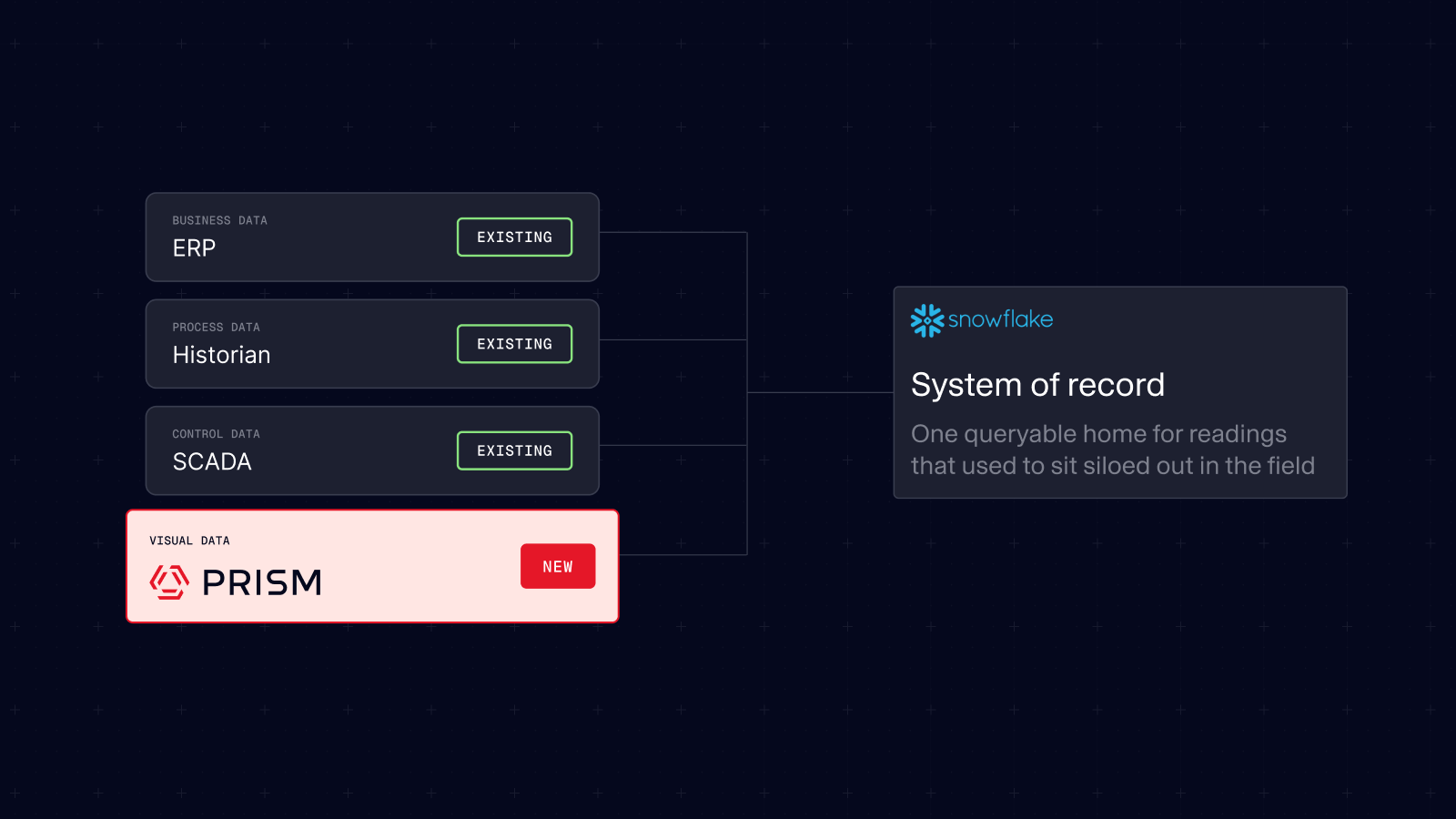
Visual monitoring data lands in the same place a team already runs every other query, on a scheduled sync through the existing Analytics API. No manual export, no separate portal to remember to open. Every reading can still be traced back to its source footage, so the visual evidence stays attached to the number.
The same pattern is portable. Documented paths exist for Databricks and Redshift, so the approach is not tied to a single warehouse.

