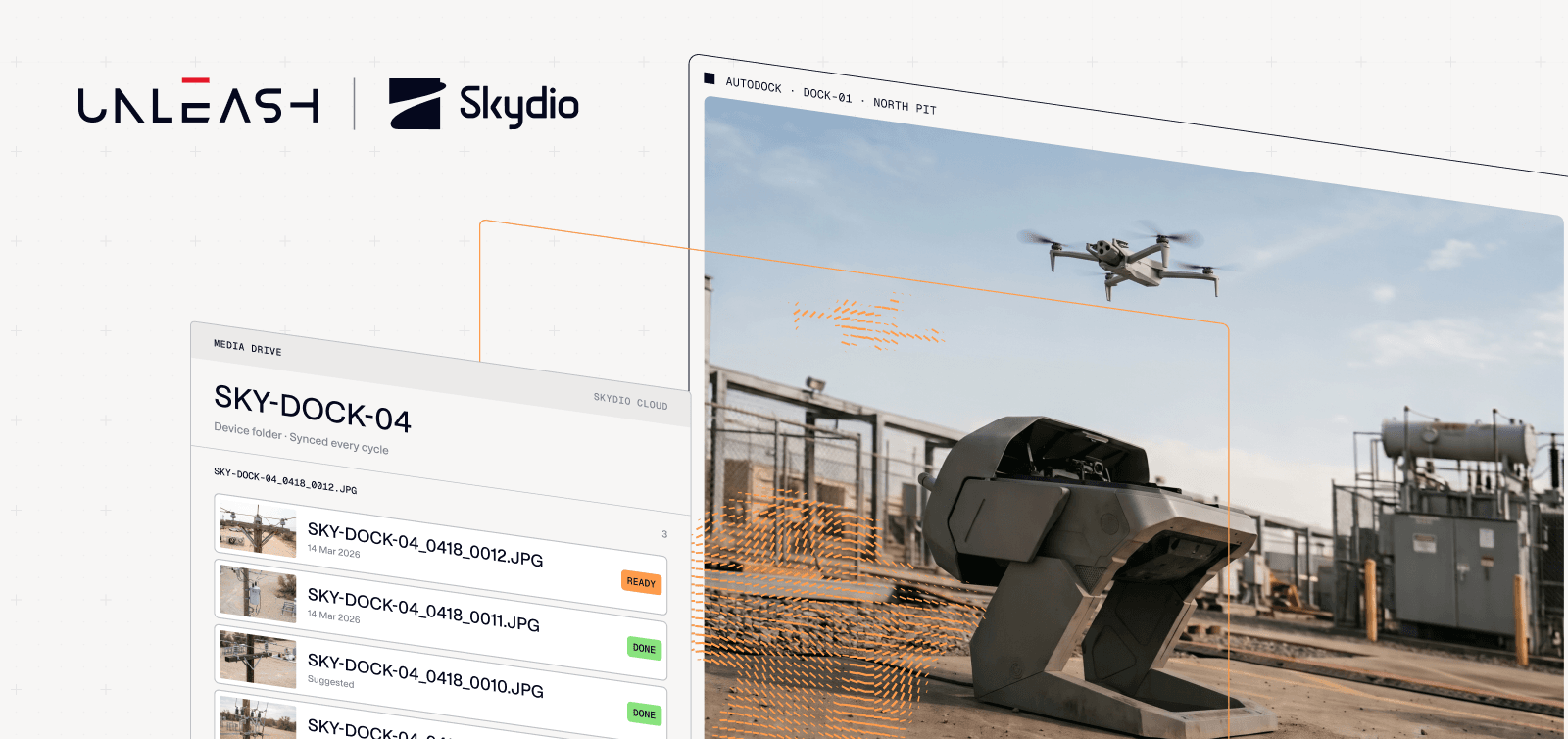
Media Sync for Skydio moves Skydio Cloud captures into Unleash Live Media Drive on its own, runs AI Apps on each upload, and links results to the asset.
- inspection
- drones
- integration
- partners
- computer-vision
The gap between a Skydio flight and a usable finding is often a manual upload and a folder someone has to sort.
Media Sync for Skydio closes it. Drone teams keep flying the Skydio hardware and Skydio Cloud workflow they have already standardized on. Unleash Live meets that data where it lands, runs specialized AI inference against the videos and images, and returns component and fault findings mapped to the physical asset they belong to.
Fly the way you already do
Pilots schedule recurring missions in Skydio Cloud or on a Skydio Dock, the aircraft flies the mission, and the captures upload to Skydio Cloud, exactly as the team works today.
Unleash Live picks it up from there
Unleash Live Cloud connects directly to Skydio Cloud and pulls new captures on a cycle. Ingestion is incremental, so only fresh media moves, and nothing is reprocessed or stored twice. The connection runs cloud to cloud, which means imagery lands indexed and ready for detection, and the gap between capture and review is the length of the sync rather than the drive back to a desk.
Every asset arrives in Media Drive with:
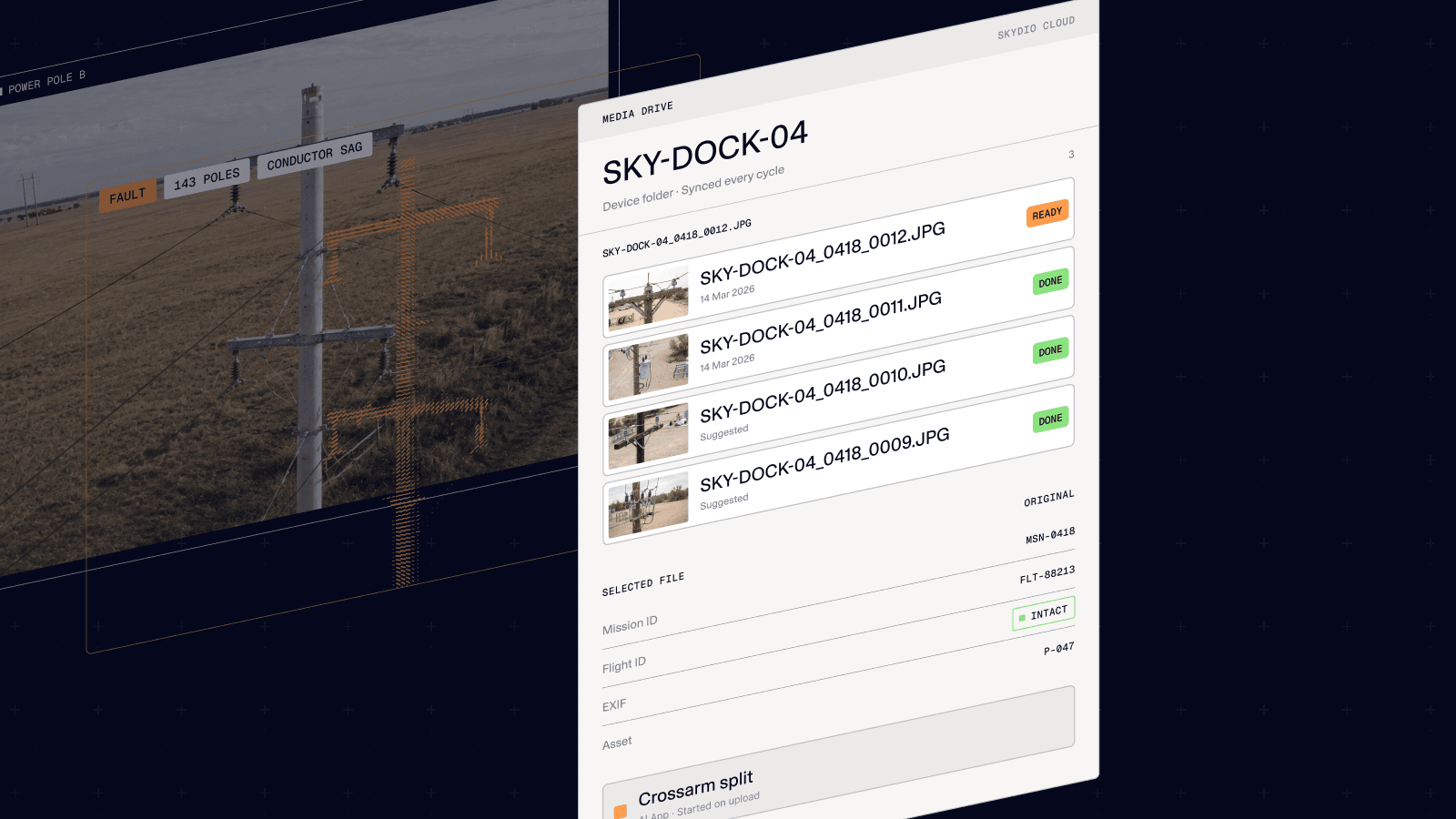
- Originals preserved and EXIF metadata fully intact.
- Mission and flight IDs carried through, so every frame traces back to the sortie that produced it.
- Structured folder organization, mapped to the corresponding Unleash Live device ID.
- Automatic assignment to the right asset by location, so captures land against the physical asset without anyone sorting them by hand.
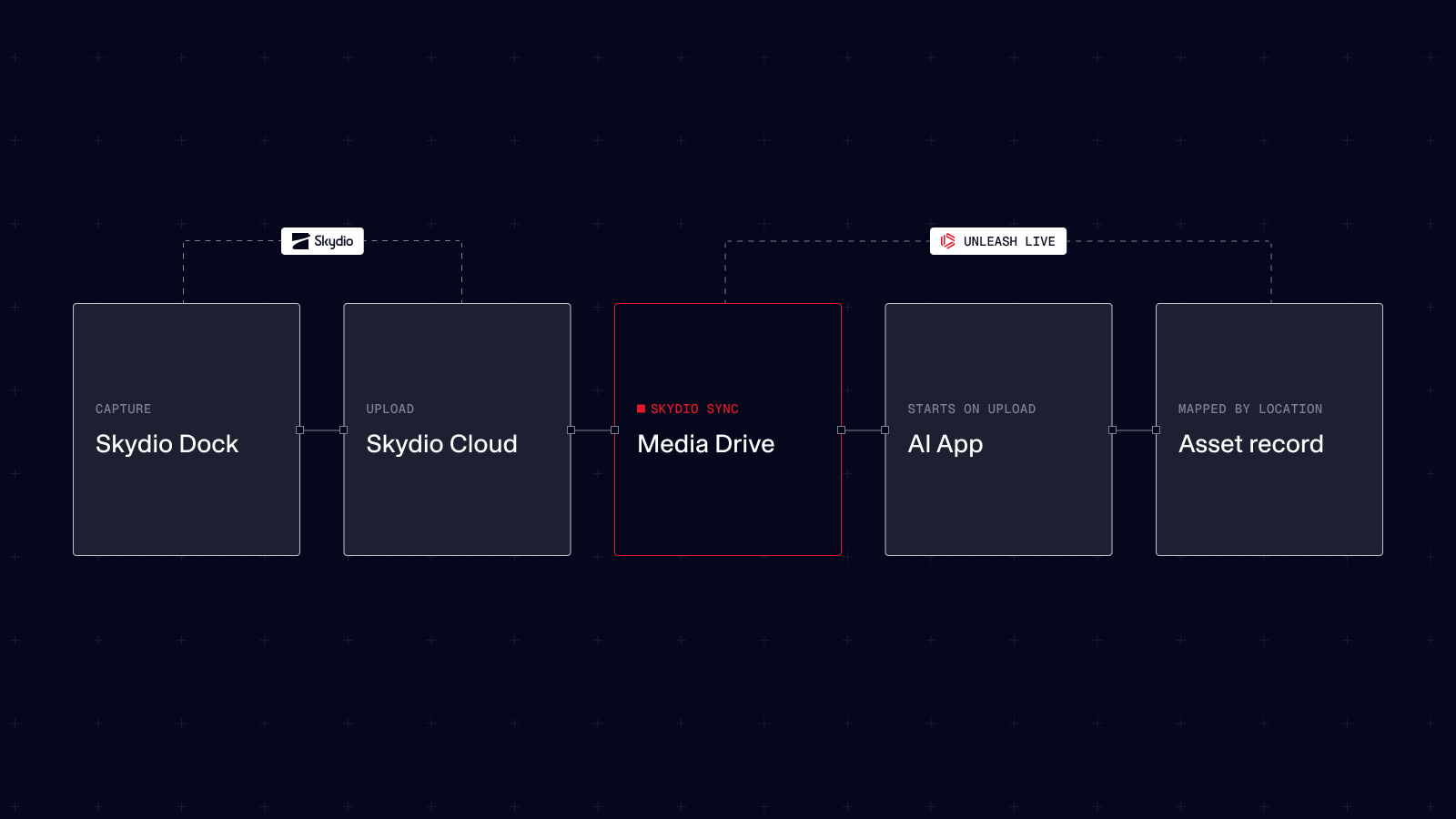
Detection starts on upload
Each upload against a device ID starts the relevant inference automatically, so nobody has to kick off a batch job or manage a queue. Choose from the AI Apps in the AI App Store to fit your use case, and the findings return mapped to the asset the media was captured against.
Docked or in the hand of a pilot
Media Sync for Skydio sits alongside AutoDock's support for the Skydio Dock, so a Skydio fleet is covered whether it flies from a dock or in the hand of a pilot. Skydio joins the existing Google Drive, Azure and SharePoint, and AWS S3 sync options in Media Drive, and we are expanding sync support further.
For detailed knowledge base information.
To see how Skydio captures from your own fleet would land against your assets, request a technical briefing.

