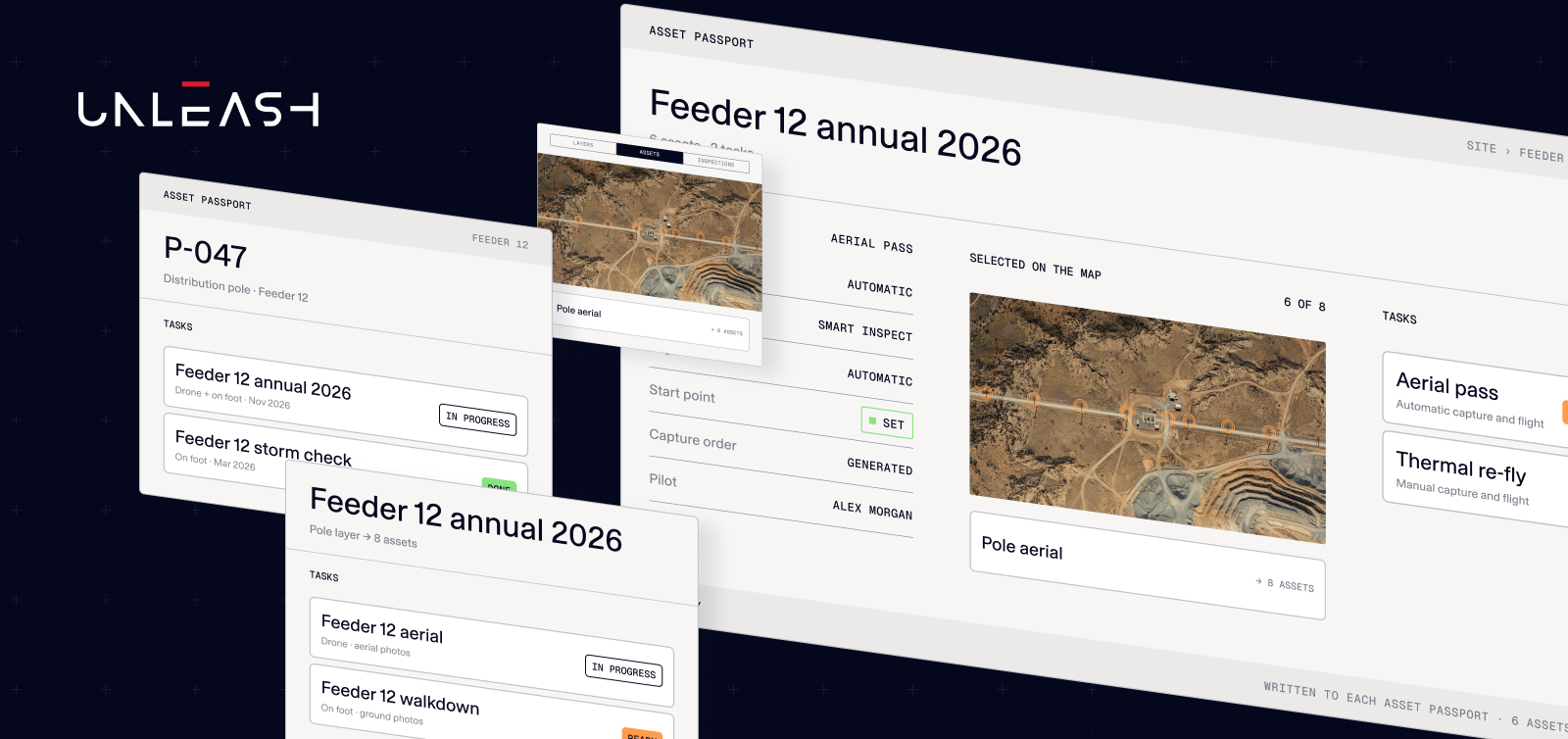
Advanced Planning turns assets into inspections: select assets, define capture and flight for each task, and see every inspection on the asset's own record.
- inspection
- drones
- operations
- gis
Most inspection programs know their assets. Few plan from them.
The asset register lives in one place, the work gets scheduled in another, and the record of what was flown sits in a third. Advanced Planning, released in November alongside Orb Asset Passport, connects the three. You pick the assets, and the inspection follows from them.
Start from the asset
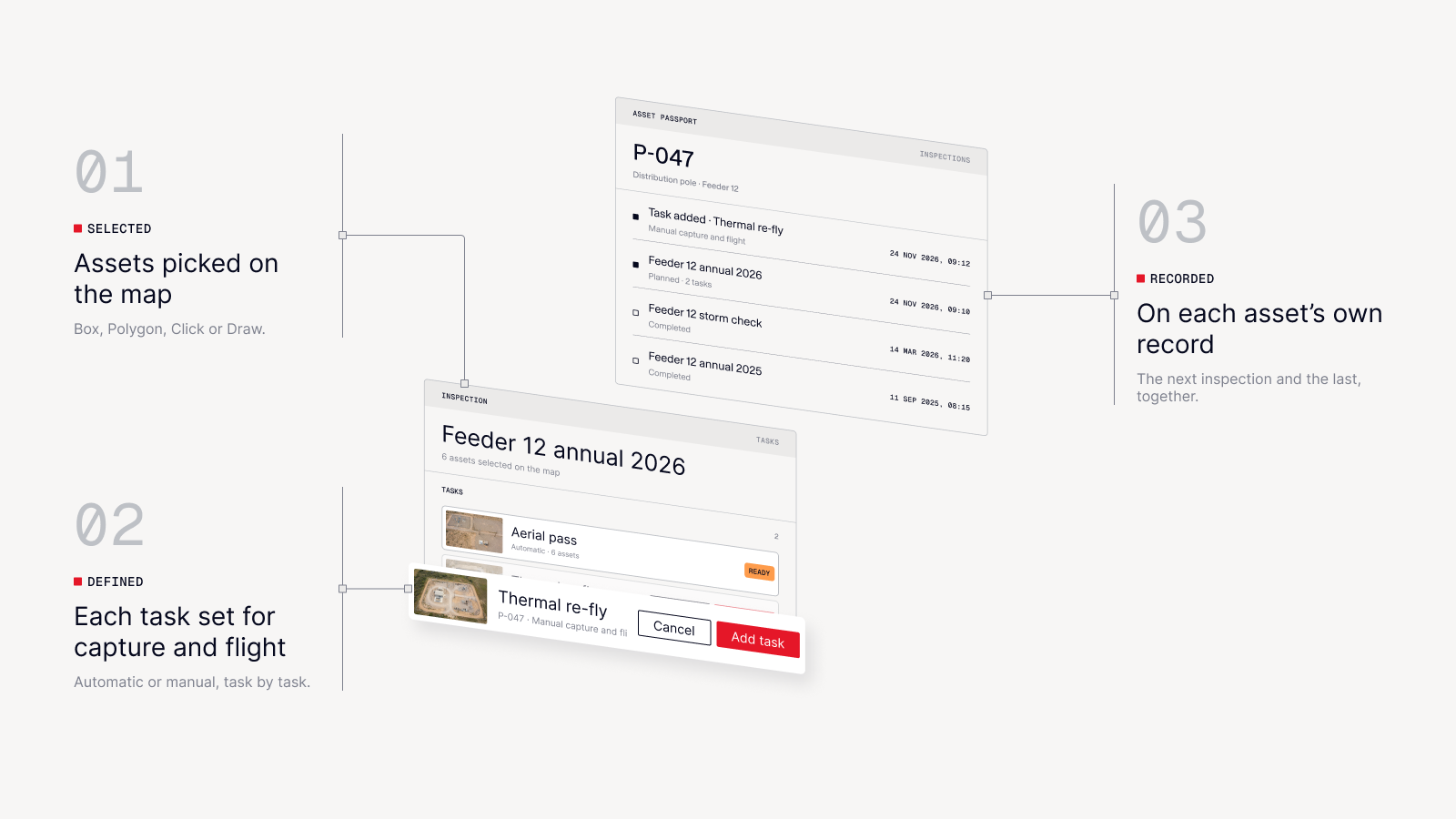
Select assets on the map with Box, Polygon, Click or Draw and group them into an inspection. Atlas now keeps layers, assets and inspections separate, so geospatial context stays in layers and the work is planned against assets. If your assets already exist as Atlas layers, you can convert those layers into assets instead of rebuilding the register.
Define the work, task by task
An inspection breaks into tasks, and each task records how it will be delivered in the field. For image capture, choose Automatic with a Smart Inspect Profile, or Manual with the pilot in control. For the flight, choose Automatic or Manual, set a start point, and keep the generated capture order or click through the assets in the order you want. Assign a pilot to the task.
The same asset can sit in more than one task. A manual thermal re-fly after an automated pass is one example. Every task carries its capture method and flight method, so the data you collect is defined before anyone launches.
Planning and history in the same record
Inspections created this way appear on each asset's own record in Asset Passport. Every inspection and task change is written to the assets involved, so the history of an asset builds up as the work is planned and flown, without a second round of data entry. When someone opens an asset, the next inspection and the last one are in the same place.
One view of the whole program
Jobs for your field team are now bundled into Inspections throughout the account. The Jobs item in the main navigation is now Inspections, and it opens a dashboard showing planned, completed and total inspections, overall completion, and the split between automated and manual capture and flight methods. That split shows how much of your program is repeatable today and where the manual work remains.
What existing teams need to know
Nothing has to be migrated. Existing jobs appear in the Inspections list without assets, and API routes and job IDs are unchanged, so only the labels in the interface differ. Advanced Planning needs assets to plan against, which you can create by converting layers in Atlas or through Asset Passport. Automatic image capture needs at least one Smart Inspect Profile set up for the team.
Advanced Planning turns on with Asset Passport. Existing customers can enable both through their customer success manager, and new organizations have them on by default.
Read more detailed information in our Knowledge Base.
Request a technical briefing to see how your own asset register would turn into a planned inspection.

